Managing Tickets
Step 1: Go to https://utahutes.evenue.net/signin in your web browser.
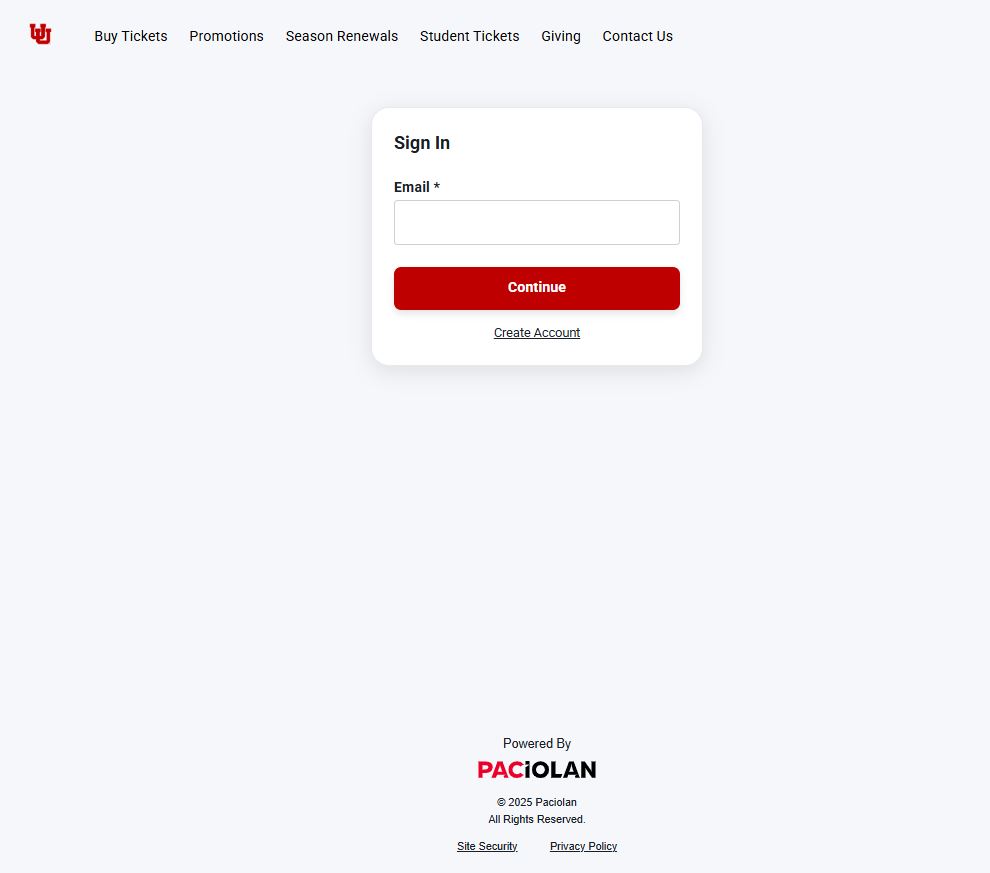
Step 2: Enter the email address previously used to purchase tickets from Utah Athletics. If you have not purchased from Utah Athletics before, click ‘Create Account’
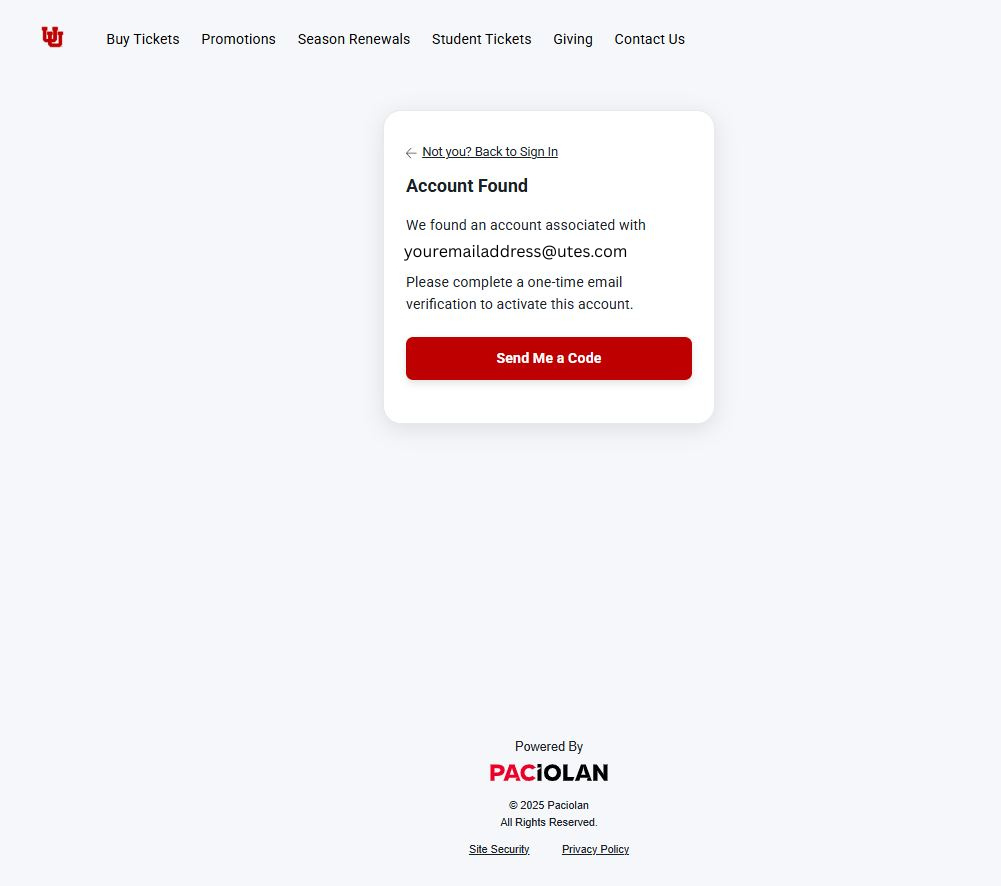
Step 3: If the email matches what we have on file, you’ll be prompted to activate your account. Paciolan will send a one-time verification code to your email from no-reply@utahutes.paclive.com. It should arrive within five minutes—be sure to check your junk or spam folder if you don’t see it.
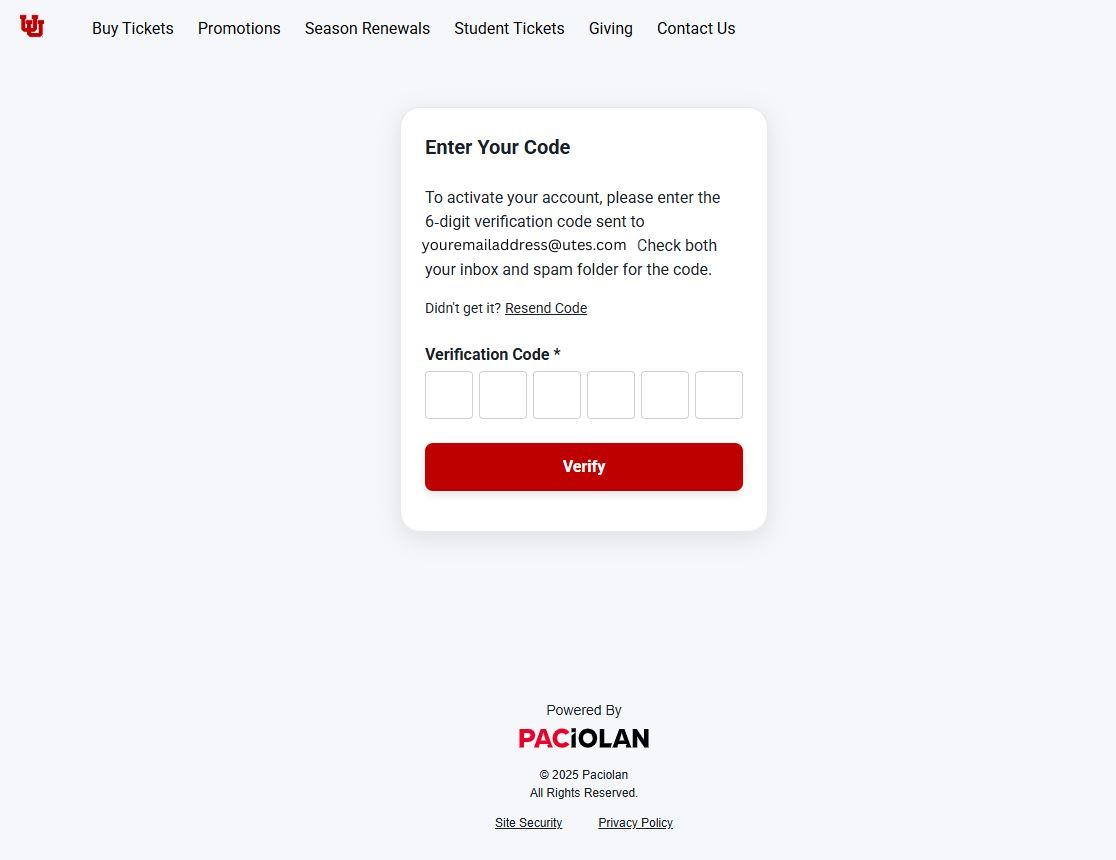
Step 4: Enter the six-digit verification code sent to your email into your web browser.
Step 5: Set a new password that meets the following requirements:
Step 6: You’re in! You’ve successfully signed into your new Paciolan Utah Utes account.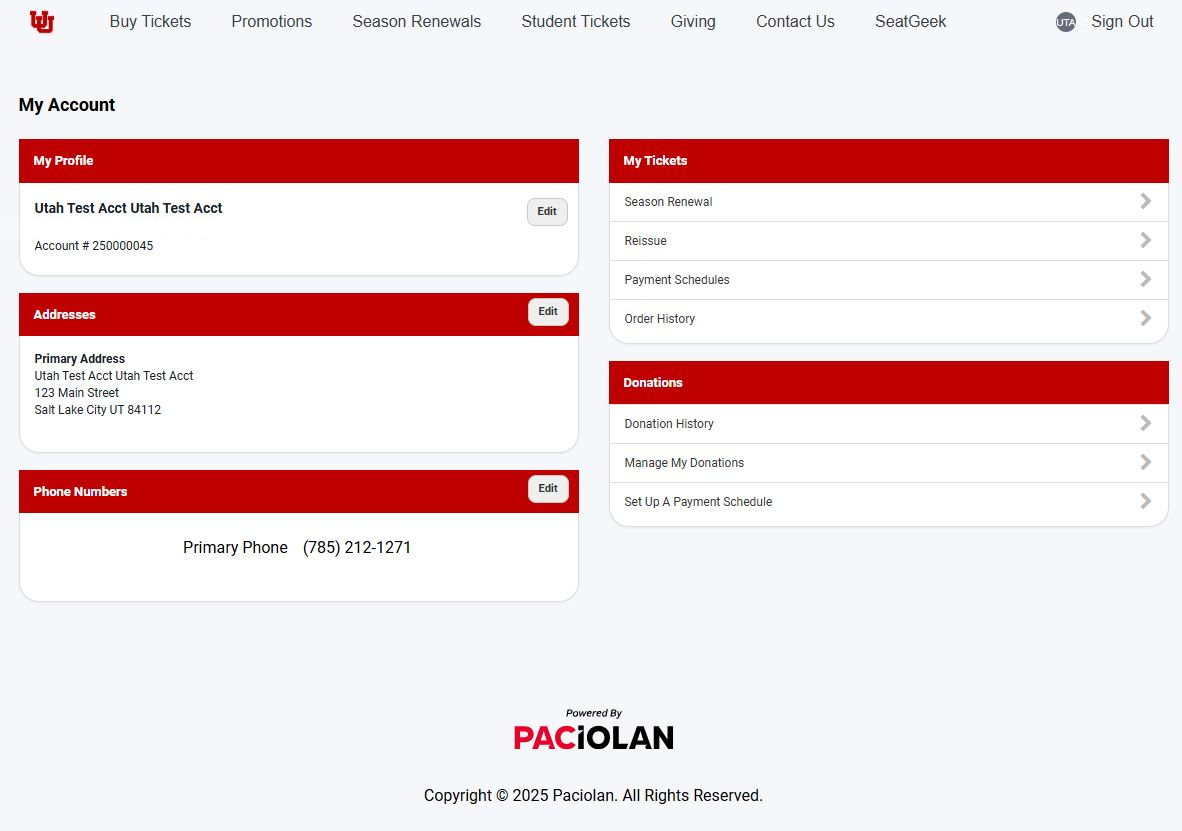

The official mobile app of the University of Utah is Utah 360. The new Utah 360 app builds on the original Athletics app by expanding its features beyond sports, while still offering the full range of fan-centric information including Utah Utes schedules, rosters, stats, news and more. Fans will manage their tickets and order mobile concessions through the app, and customize their user experience for the teams they follow most.
The app is available in both the Apple Store and Google Play. Download now!
Your account representative is your personal connection to Utah Athletics and can help with all of your athletic ticket sales and Crimson Club athletic fund needs.

